Getting the Discord token
There are many reasons you need this, the main one, for me, is to use a client like Endcord to access the chats.
Recently Discord forced a password reset which also changed the auth token. I had to get the new one, and this is how it worked.
Browse to Discord in a normal web browser, login and open any chat.
Open the Developer tools and open the console.
Paste in this code:
window.webpackChunkdiscord_app.push([[Symbol()],{},o=>{for(let e of Object.values(o.c))try{if(!e.exports||e.exports===window)continue;e.exports?.getToken&&(token=e.exports.getToken());for(let o in e.exports)e.exports?.[o]?.getToken&&"IntlMessagesProxy"!==e.exports[o][Symbol.toStringTag]&&(token=e.exports[o].getToken())}catch{}}]),window.webpackChunkdiscord_app.pop(),token;
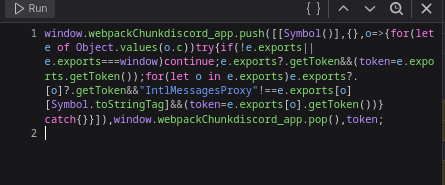
You may have to allow pasting and you may have to click run.
Your token will then appear in the output window. Just copy and paste this into your configuration file. Save and Close.
Posted
13:16 09/06/206