Mandrake Linux 8.2 QEMU Installation Guide
Date: May 2026
Target OS: Mandrake Linux 8.2 (Released March 2002)
Host Environment: Modern Linux x86_64 via raw QEMU
1. Overview & Setup Strategy
This logs details the successful installation of a retail physical box set of Mandrake Linux 8.2 inside a modern QEMU virtualization container. Due to the era-specific constraints of 2002 software, traditional paravirtualized drivers (virtio) and automated modern managers (virt-manager) present hardware negotiation friction. Running via raw CLI flags provides the highest compatibility for vintage hardware emulation.
2. Multi-Disc Installation & Hurdles
- The CD2 Block Device Dilemma: Mandrake 8.2 originally requests Disc 2 (
cd2) mid-way through package installation. Because the environment captures the mouse/keyboard directly, hitting standard hotkeys in a standard terminal can print raw control characters (^[^@) instead of passing arguments to the QEMU monitor. - The Disc 1 Optimization Strategy: Skipping Disc 2 and forcing the installer to proceed with only Disc 1 results in a completely functional base installation. Disc 1 contains the entire base Linux operating system, kernel, XFree86 graphic server, core Mandrake configuration utilities, and a clean base KDE 2.2.2 desktop environment. Missing components from Disc 2 are localized language packs, redundant secondary window managers, and secondary software bundles.
3. Post-Install Configuration & Graphics
- Bootloader: Successfully configured and deployed the graphical LILO (Linux Loader) onto the virtual master hard drive.
- Graphical Server (XFree86): The X server successfully negotiated with QEMU's legacy display hardware, passing the classic visual "penguin test" and initializing the desktop.
- SysVinit Boot Splash: System services initialize correctly using the legacy
INIT: version 2.83progress screen.
4. Environment Explorations & Modern Networking
- Desktop Environment: Full KDE 2.2.2 desktop framework loaded cleanly with working desktop shortcut tools (such as
XKillprocess termination and theKickertaskbar). - Network & Web Translation Layer: QEMU's SLIRP network translation successfully routed local packets to the live internet. However, loading modern web domains (like
google.com) inside the 2002 Konqueror browser triggers an"Update your browser"block. This is normal behavior due to the historical cryptographic gap: modern servers enforce strict TLS 1.3 suites, whereas vintage browsers are locked to legacy SSLv2/v3 and early TLS 1.0 protocols.
Mandrake Linux 8.2 Installation Asset Log
| Screenshot Target | Live Wiki View | Stage Description |
|---|---|---|
| Graphical LILO Bootloader | 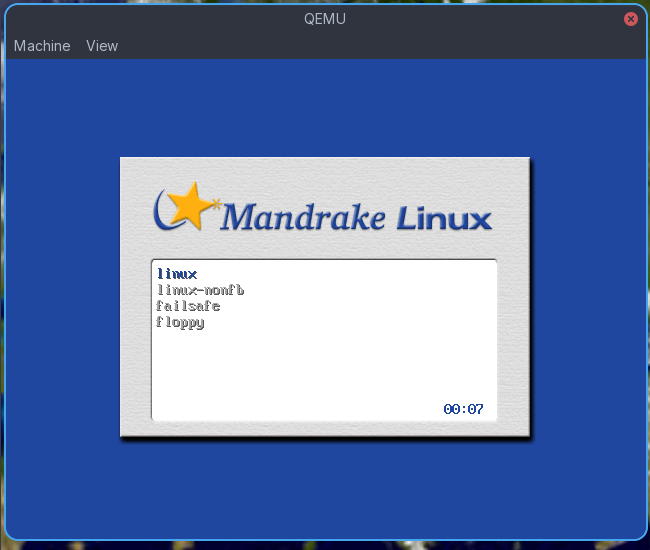 |
The textured-paper background boot menu with default kernel, non-framebuffer, and failsafe targets. |
| SysVinit Boot Progress Screen | 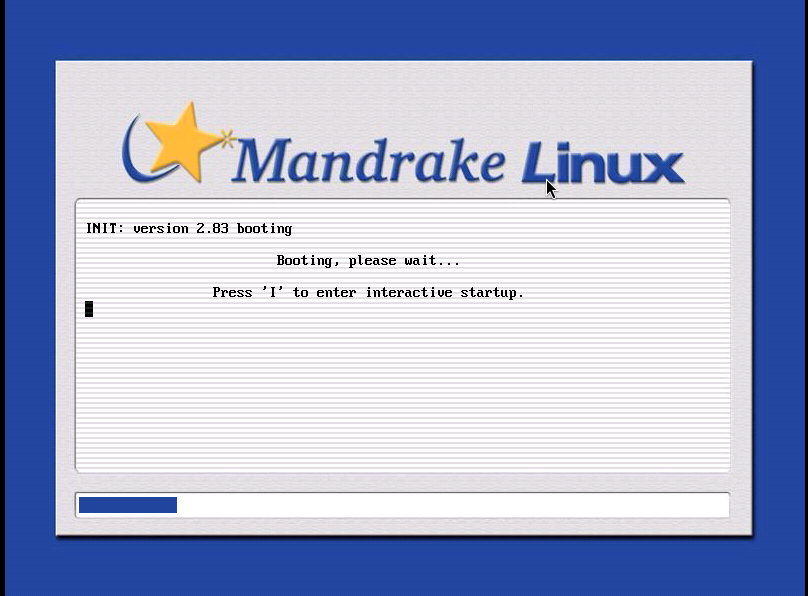 |
INIT: version 2.83 progress bar displaying the troubleshooting option to "Press 'I' for interactive startup". |
| First Time Configuration Wizard | 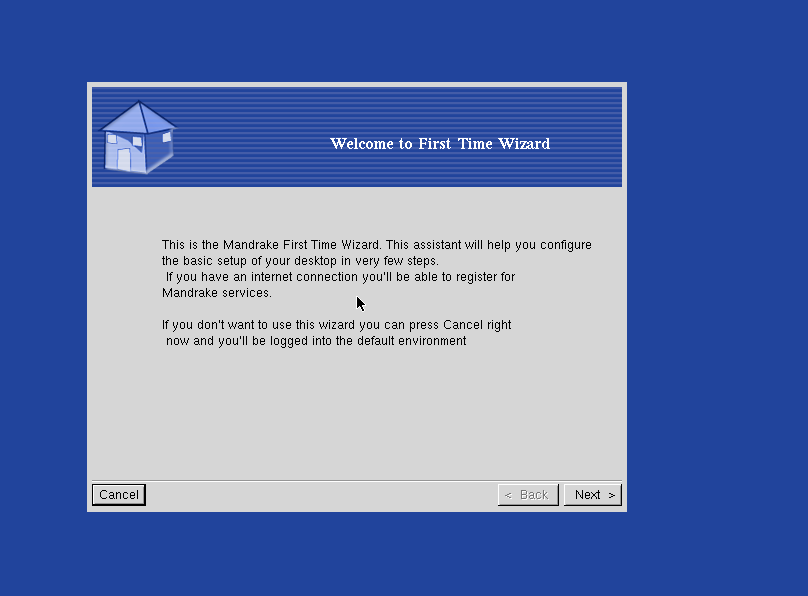 |
The grey-and-blue configuration box welcoming the user to set up initial desktop preferences. |
| Pristine KDE 2.2.2 Desktop | 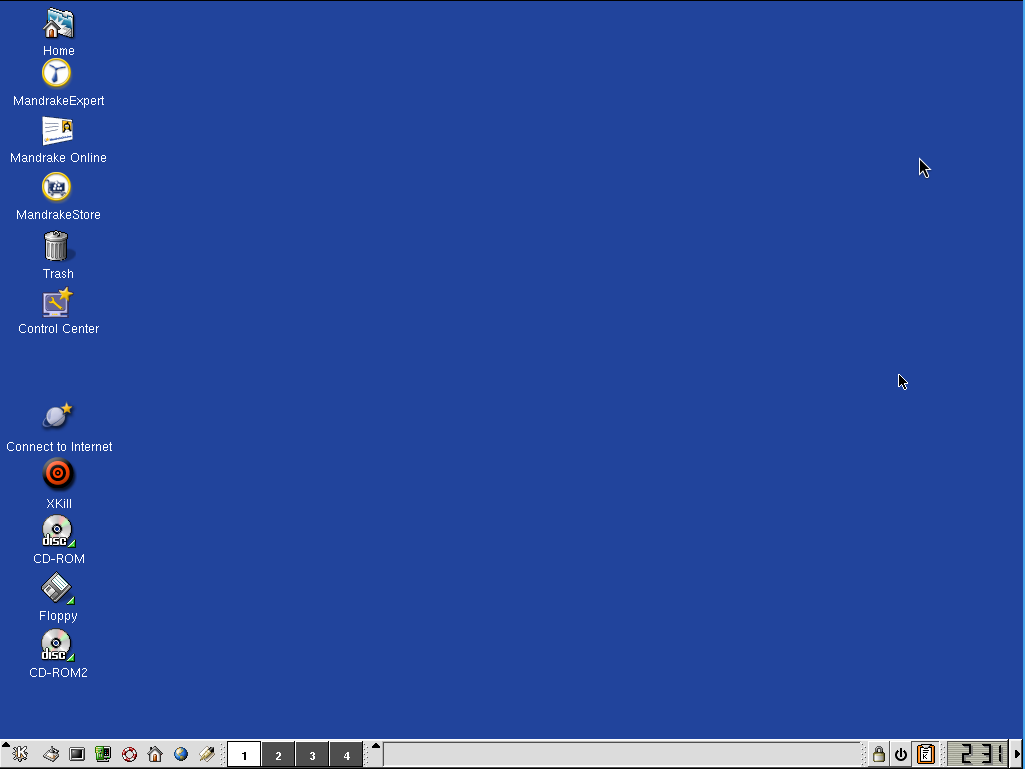 |
The clean layout showing the old-school "K" menu taskbar, virtual workspace grid, and red XKill bullseye icon. |
| Power-User Window Layout & Terminal | 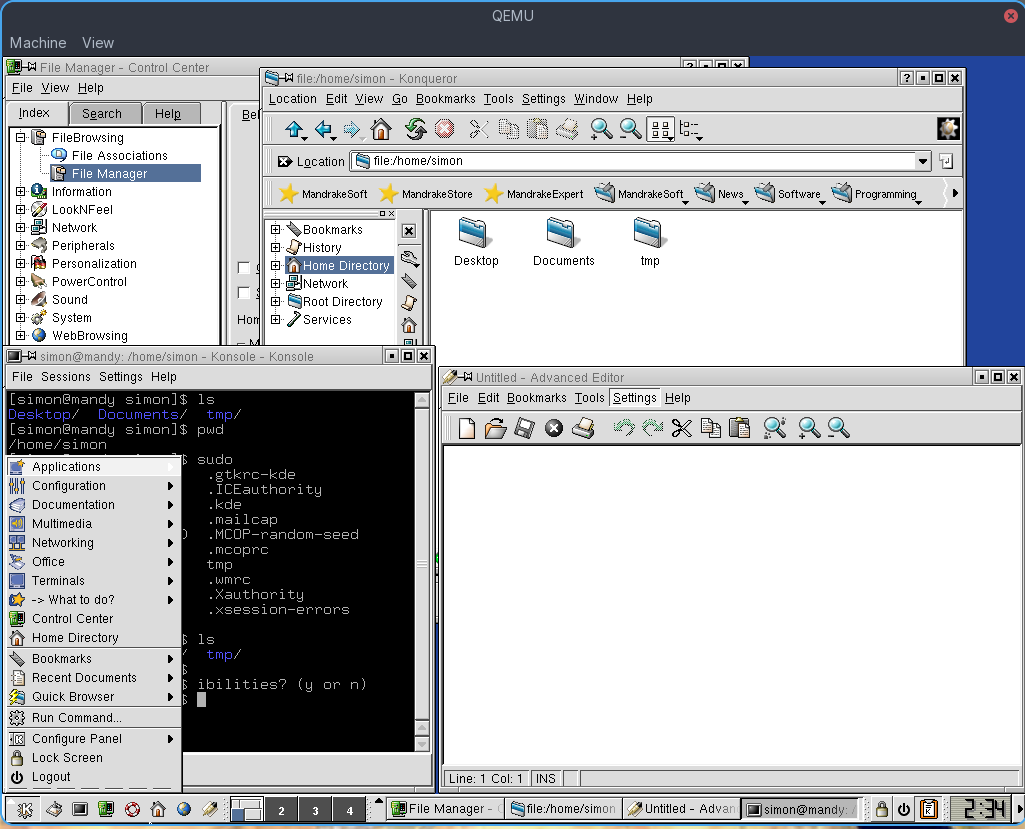 |
A complex multitasking layout revealing the simon@mandy terminal shell, local directories, and hidden dotfiles. |
| Konqueror Web Browser Test | 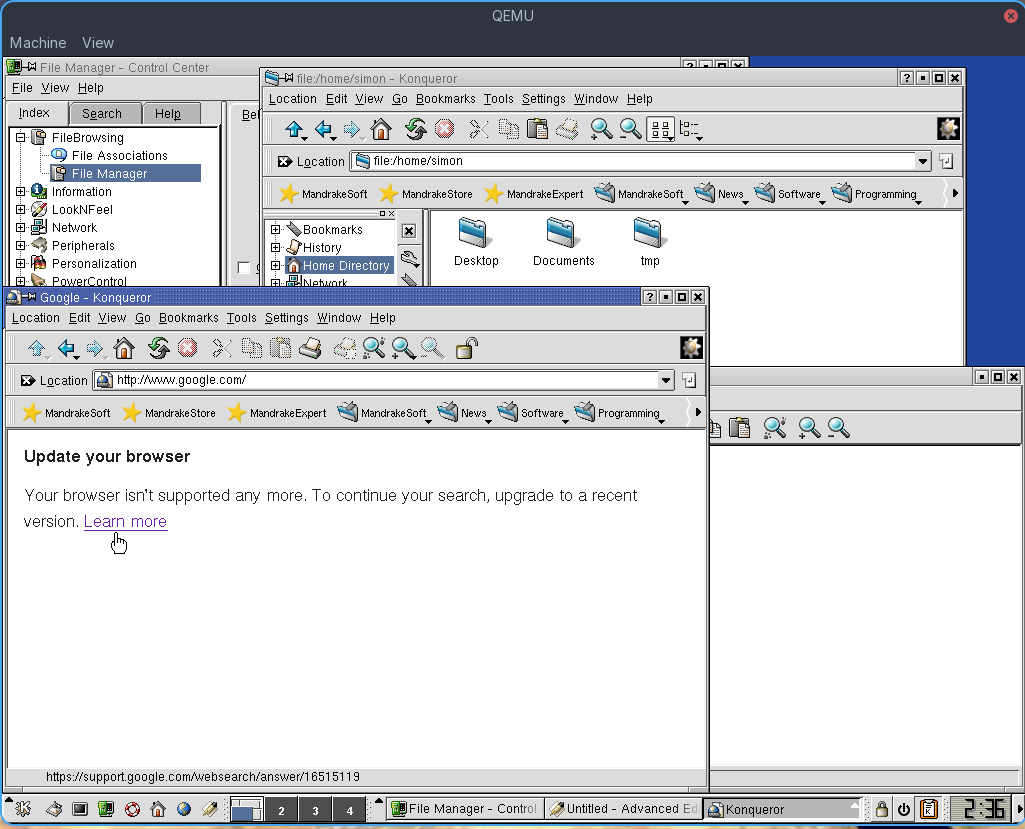 |
Demonstration of successful SLIRP network translation routing out to a live, modern Google fallback page. |
| KDE Splash Loading Screen | 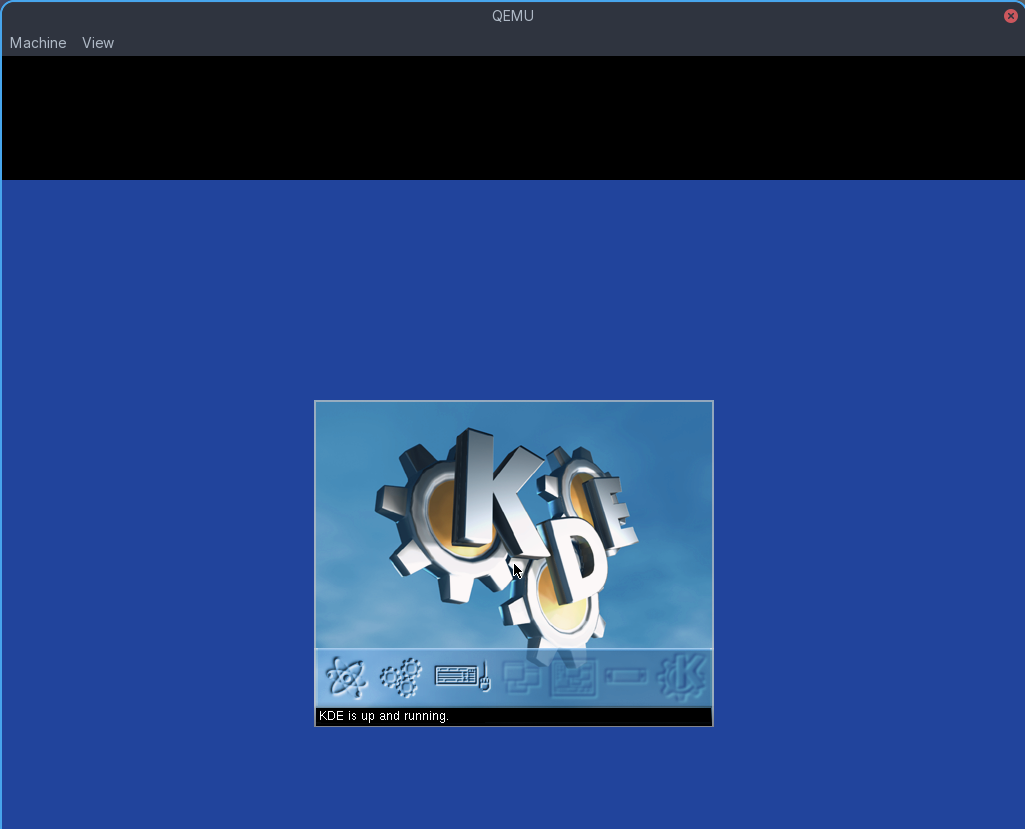 |
The landmark 3D metallic gears logo with the loading confirmation text: "KDE is up and running." |
Note: For maximum reliability, retain the disk image as an IDE target (-hda) combined with legacy video (-vga std or -vga cirrus) and standard emulated audio (-soundhw sb16 or ac97).
The actual command to run this in qemu is
qemu-system-i386 \
                     -machine pc \
                     -cpu pentium3 \
                     -m 256 \
                     -vga cirrus \
                     -audio driver=pa,model=sb16,id=snd0 \
                     -device sb16,audiodev=snd0 \
                     -netdev user,id=net0 \
                     -device pcnet,netdev=net0 \
                     -drive file=mandrake82.qcow2,format=qcow2,bus=0,unit=0,media=disk \
                     -drive file=CD-1.iso,media=cdrom,bus=1,unit=0 \
                     -boot d
and then to boot the installed system simply remove the CD
qemu-system-i386 \
                     -machine pc \
                     -cpu pentium3 \
                     -m 256 \
                     -vga cirrus \
                     -audio driver=pa,model=sb16,id=snd0 \
                     -device sb16,audiodev=snd0 \
                     -netdev user,id=net0 \
                     -device pcnet,netdev=net0 \
                     -drive file=mandrake82.qcow2,format=qcow2,bus=0,unit=0,media=disk \
                     -boot d